
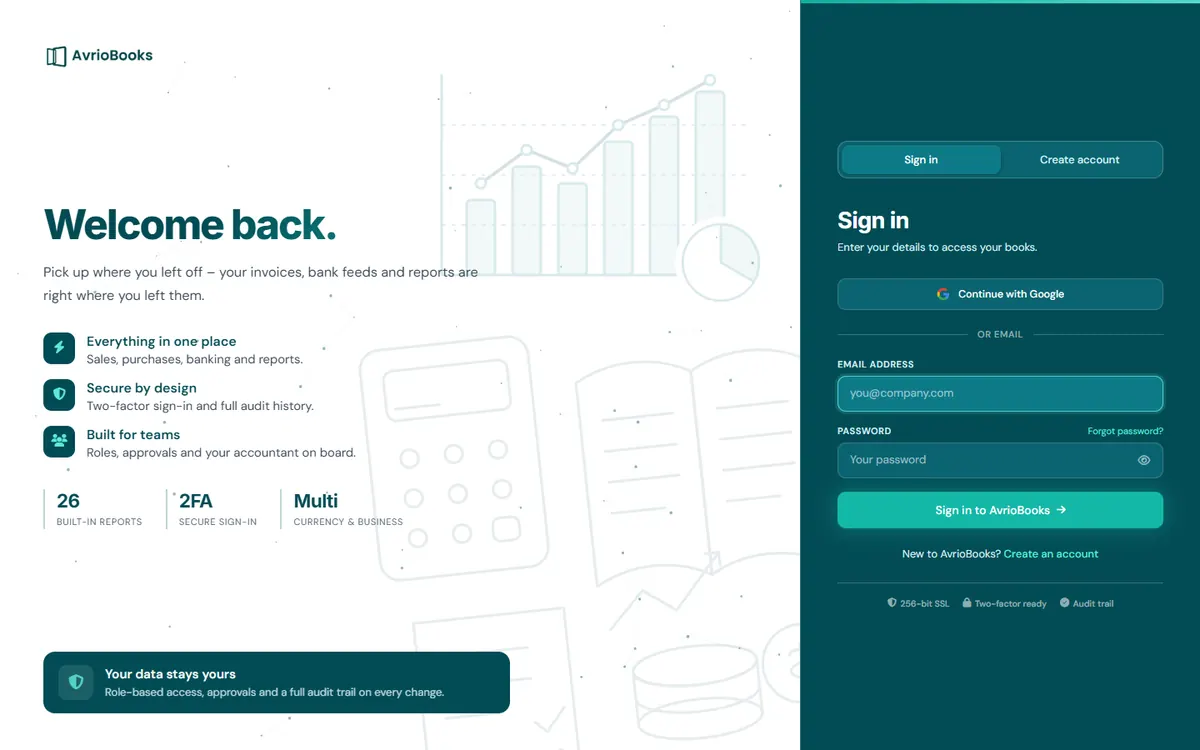
“Too many failed sign-in attempts”
After five failed attempts for the same email address AvrioBooks pauses sign-in. Wait 15 minutes or reset your password.
Forgotten password
Select Forgot password? on the sign-in page, enter your email address and use the link we send. Check your spam folder if it does not arrive.
You signed up with Google
Use Continue with Google with the same Google account, rather than typing a password.
Two-factor code problems
- If you see “That code didn’t match. Make sure your phone’s clock is right and try the newest code.”, set your phone’s date and time to automatic and wait for the next code.
- If you have lost your phone, sign in with one of your saved backup codes. Each works once. Then set up two-factor authentication again on your new phone.
- If your organisation requires two-factor authentication, you will be asked to turn it on before you can continue.
See Turn on two-factor authentication.
You were signed out
An administrator can set an idle sign-out time under Users & roles > Approvals & security. Sign in again to carry on.
An invitation link does not work
See Accept an invitation.
A quick checklist
- Check Caps Lock and that you are using the email address you signed up with.
- Try Forgot password? and open the newest email we send you.
- If you normally use Google, choose Continue with Google.
- If two-factor authentication is on, use the code for the AvrioBooks entry in your authenticator app, not another account.
- Try a private browser window to rule out saved passwords or extensions.
Keep your account safe
- Never share backup codes. Anyone with one can get past your second step.
- Store backup codes in a password manager, not in an email to yourself.
- After a password reset, check Account security for recent sign-in activity and sign out other devices you do not recognise.
Still stuck? Tell us
Contact support with the email address on the account, roughly when you last signed in and the exact message you see. Please do not send passwords or backup codes. We can then check whether your account is paused after repeated failed attempts or needs another fix.
Frequently asked questions
Why does AvrioBooks say there were too many failed sign-in attempts?
After five failed attempts for the same email address, sign-in pauses. Wait 15 minutes or reset your password.
What should I do if my two-factor code is not accepted?
Set your phone’s date and time to automatic, wait for the next code and try the newest one. If you have lost your phone, use a backup code.