
“We couldn’t read that file”
AvrioBooks could not understand the file. The message continues with the reason.
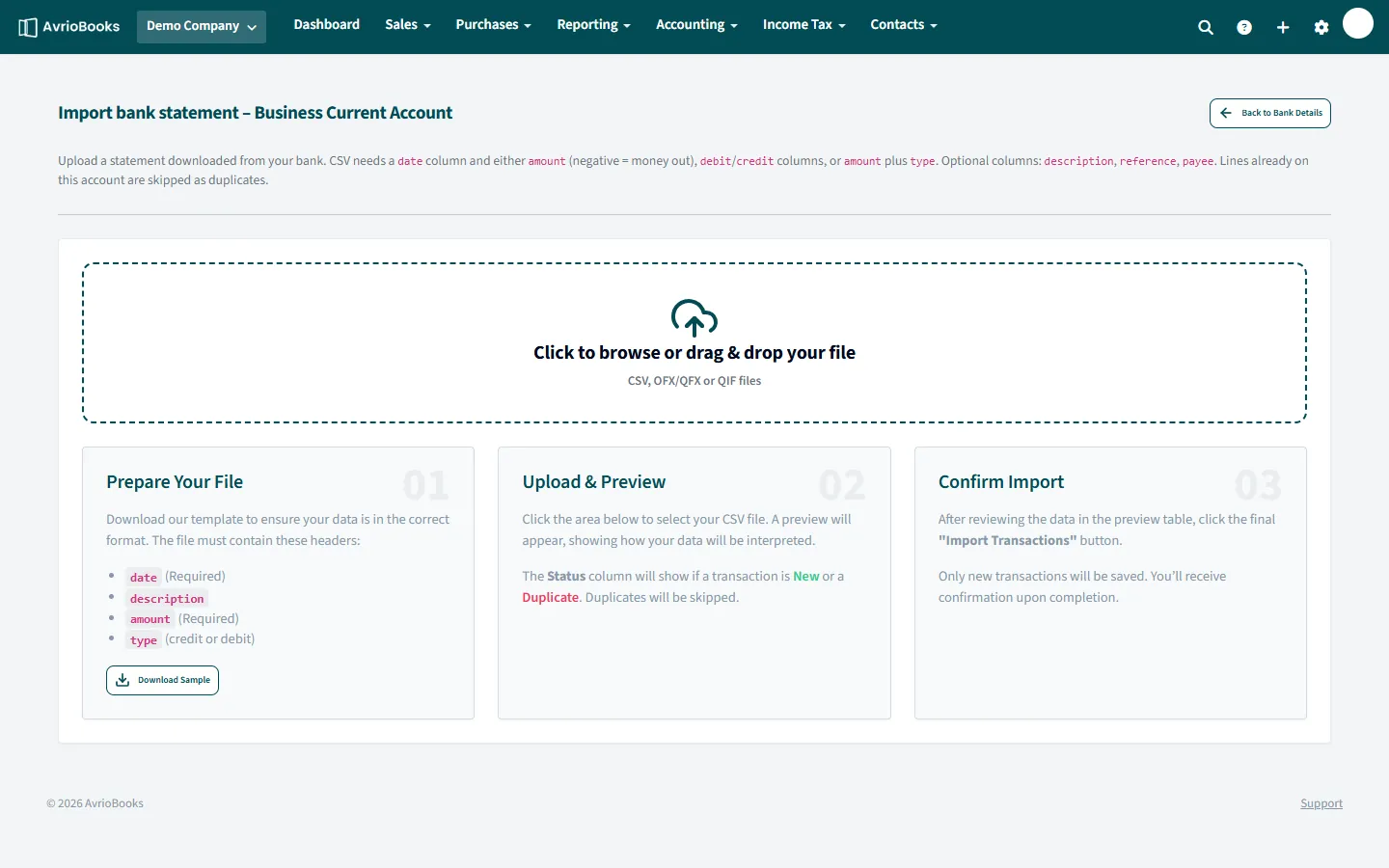
- Wrong file type. Bank statements accept CSV, OFX, QFX and QIF. Contacts, products and accounts need a CSV.
- No header row. For a CSV the first row must be the column headers. Download the sample file on the import page and match its headings.
- Missing required columns. A bank CSV needs
dateand eitheramountor separatedebitandcreditcolumns. - Odd date or number formats. Dates such as 2026-03-14 or 14/03/2026 work. Remove currency symbols and stray text from amount cells.
- Open the file in a spreadsheet, fix it, save as CSV and upload again.
“No transactions were found in the file”
The file was read but contained no usable rows. Check that the data rows are below the header row and that the date and amount columns are filled in.
“Nothing new to import”
Every row is already in AvrioBooks. Duplicates are skipped by design, so importing the same statement twice is safe. For bank statements, lines already on that account are skipped; for contacts, products and accounts, rows that already exist (for example the same email or SKU) are treated as duplicates.
Amounts have the wrong sign
In a single amount column, negative means money out. If your bank shows money out as positive, either use separate debit and credit columns or add a type column with debit or credit.
“Import failed”
The preview worked but saving did not. Nothing is partly imported; fix the cause shown in the message and try again.