
Before you delete
- Export the reports you need as PDF, Excel or CSV.
- Download any invoices or attachments you want to keep.
- Remember: if you only want to stop paying, you do not have to delete anything. Your business simply becomes read-only and your data is kept.
Delete a business
- Open Organisation settings from your profile menu.
- Choose Delete this organisation.
- Read what will be deleted, including every journal entry, and type the organisation’s name to confirm.
- Select Delete this organisation.
Delete your account
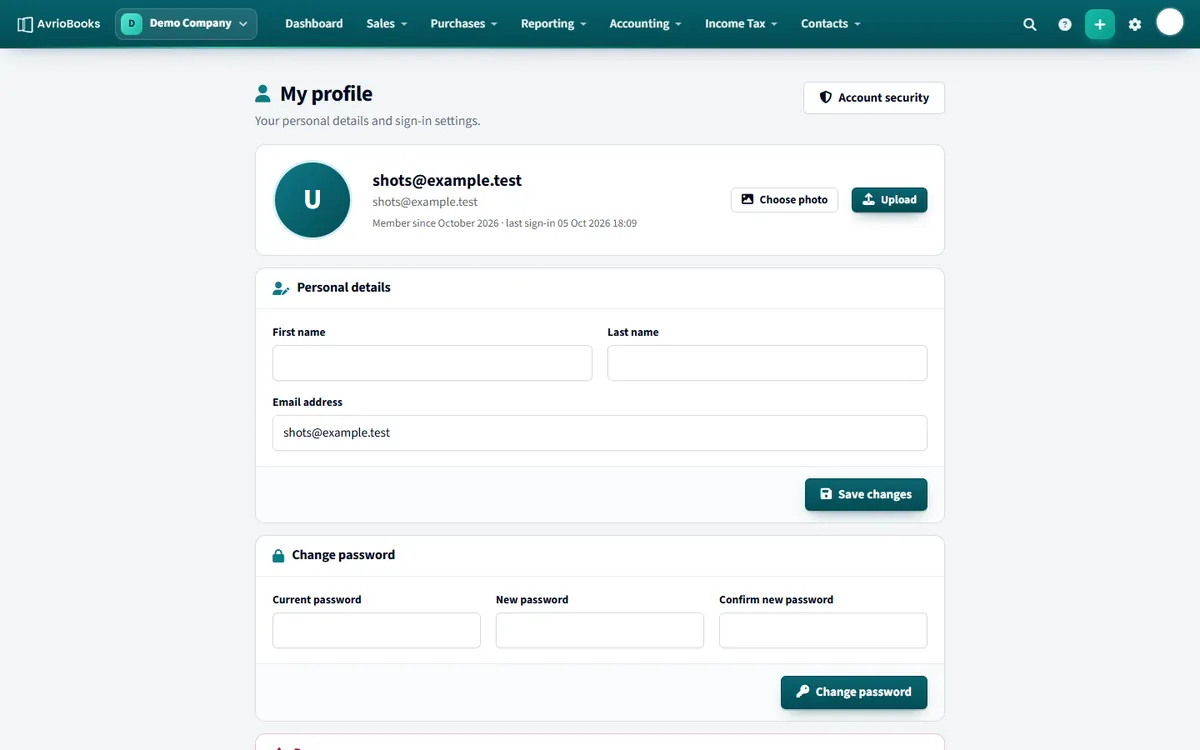
Open your profile and choose Delete my account. The page lists the organisations that will be deleted with you (the ones you own) and the ones you will simply be removed from because they belong to other people. Type your email address to confirm. If the account cannot be deleted yet, AvrioBooks explains why on the same page.
Good to know Deleting cannot be undone.
Alternatives to deleting
- Stop paying. Your business becomes read-only and your data is kept, so you can come back later.
- Remove people instead of deleting the business. See Remove a team member.
- Reset or delete just the demo company without touching real books.
What gets deleted
Deleting a business removes the organisation and all its accounting data, including journal entries, invoices, bills, contacts and attachments. Deleting your account removes your sign-in and any organisations you own; businesses owned by other people stay as they are and you are simply removed from them.
Checklist before you delete
- Export the financial statements you need, such as profit and loss and balance sheet, for every year you may need them.
- Export the general ledger and trial balance as CSV or Excel for your records.
- Download invoices and attachments you want to keep.
- Tell your accountant, who may also hold the records.
- Cancel the subscription if you are paying, so you are not billed again.
Good to know Many jurisdictions require business records to be kept for several years. Check your local requirements before deleting anything.
More in Plans, Team, Security & Tax
Still stuck? Our team is happy to help. Contact support or book a walkthrough.