
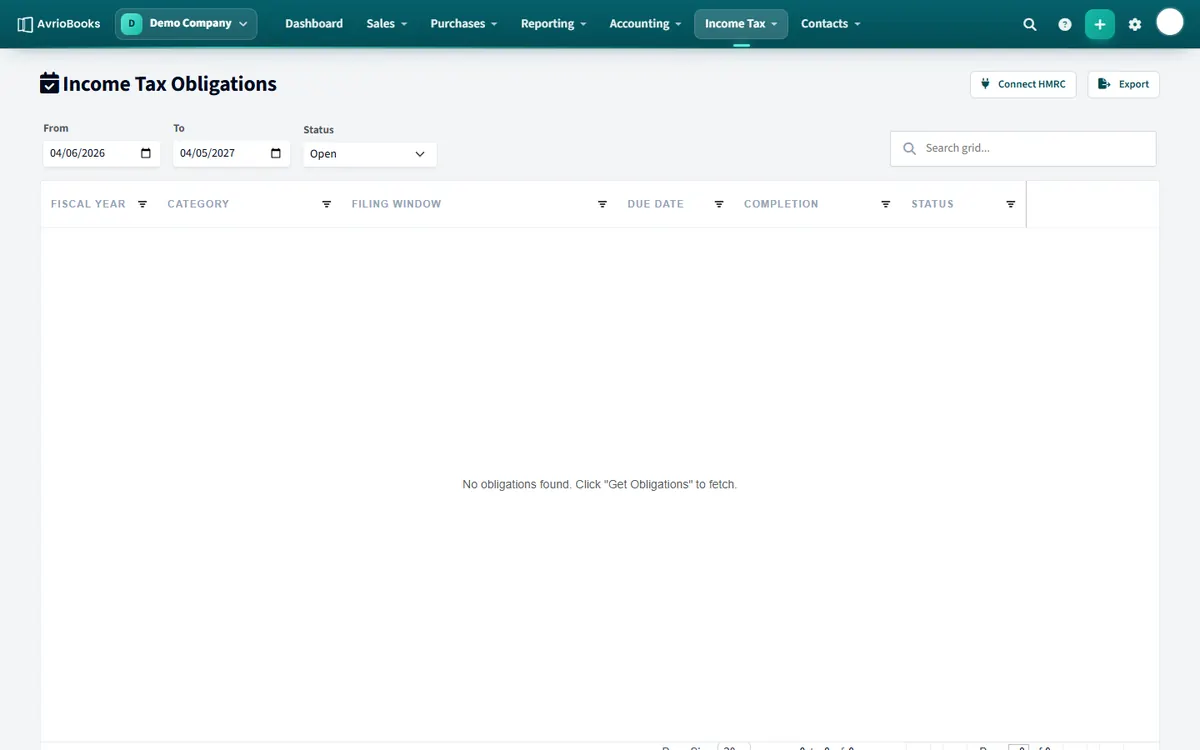
Connect to HMRC
- Select Income Tax > Obligations.
- Select Connect to HMRC and enter your National Insurance number (for example QQ 12 34 56 A; AvrioBooks formats it for you).
- Sign in to HMRC and authorise AvrioBooks. The dashboard then shows HMRC Authorised and Linked & Active.
See your obligations
On Obligations, select Get Obligations to fetch the quarterly periods HMRC expects from you. Open one to see its detail.
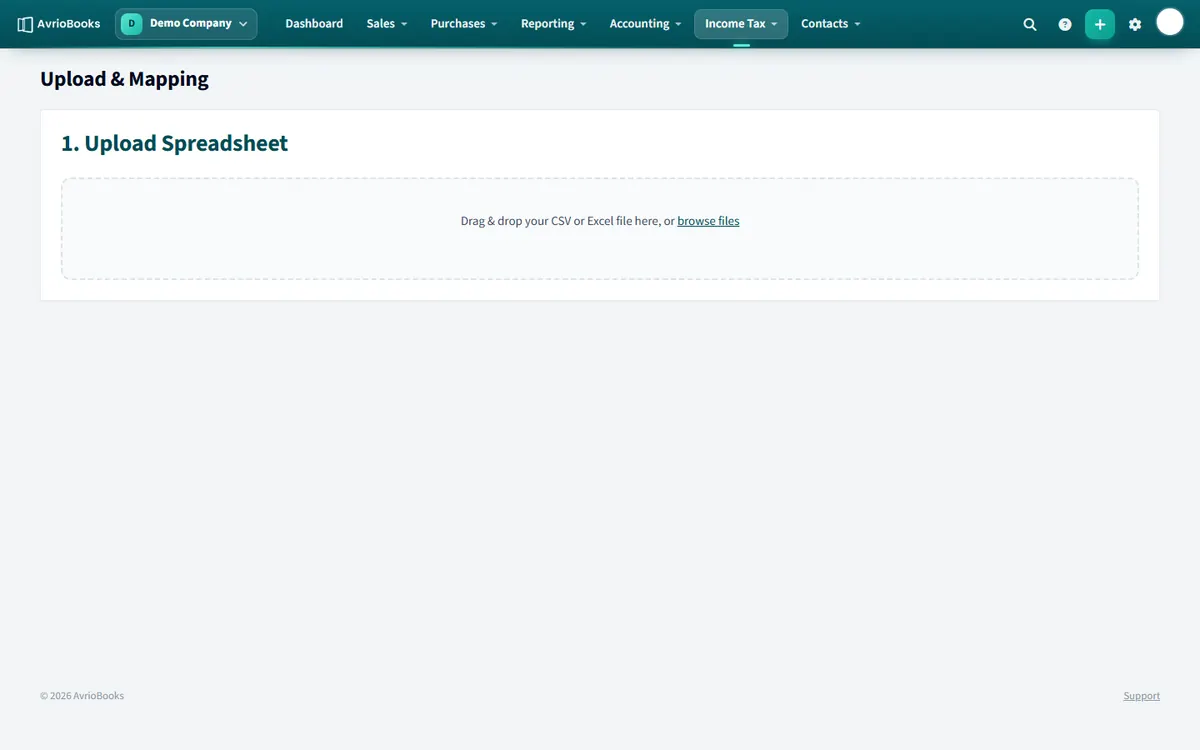
Prepare a quarterly update
- Select Income Tax > Upload and mapping.
- Upload spreadsheet: drag and drop your CSV or Excel file.
- Map columns: match your spreadsheet columns to the HMRC categories, for example income and allowable expenses.
- Review and submit: check the totals, then select Submit to HMRC.
Everything you submit is listed under History, with the status of each submission.
Good to know Making Tax Digital depends on HMRC approval and your plan (Standard and above). Contact us if you would like to confirm it is available for your business before relying on it for a live submission.
Who needs it
Making Tax Digital for Income Tax is a UK requirement for self-employed people and landlords above an income threshold set by HMRC. It replaces the annual return with regular digital updates. Check HMRC’s guidance to confirm whether it applies to you and from when.
Before you start
- Have your National Insurance number and your HMRC online account details ready.
- Make sure the business is on the Standard plan or above.
- Gather the period’s figures: your income and allowable expenses for the quarter.
The quarterly routine
- Open Income Tax > Obligations and select Get Obligations to see the periods due.
- Prepare your figures in a spreadsheet, or export them from your AvrioBooks reports.
- Open Upload and mapping, upload the file and map the columns to income and allowable expenses.
- Review the totals carefully and select Submit to HMRC.
- Check History to confirm the submission was accepted.
Keep your records for as long as HMRC requires. If you are unsure how to treat an item, ask your accountant before you submit.
Frequently asked questions
What do I need to connect to HMRC?
Your National Insurance number and your HMRC sign-in to authorise AvrioBooks.
Which plan includes Making Tax Digital?
The Standard plan and above.
More in Plans, Team, Security & Tax
Still stuck? Our team is happy to help. Contact support or book a walkthrough.