
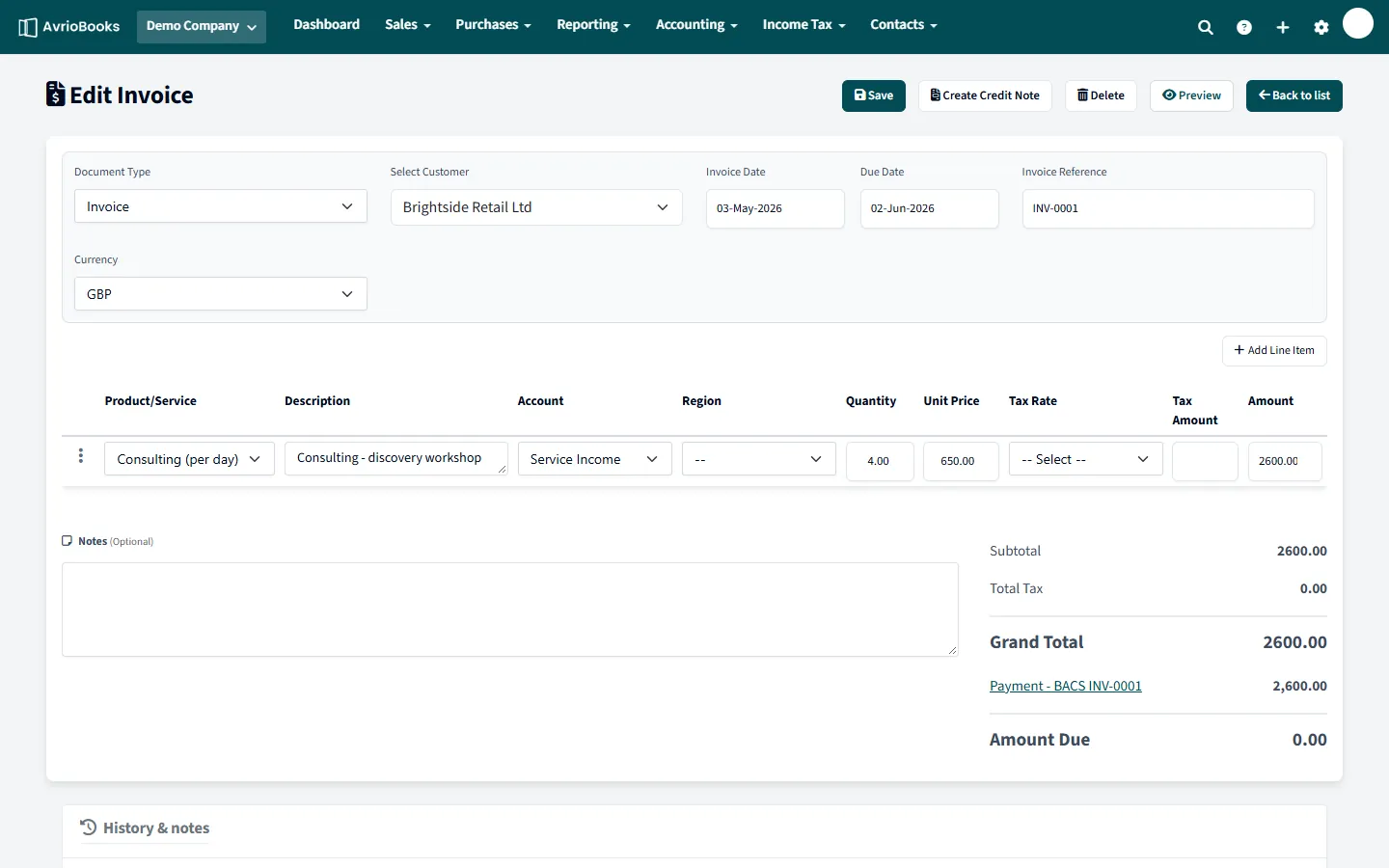
Edit it
Open the document, change what is wrong and select Save. The posting in your accounts is updated to match. This is the simplest fix when nothing has been sent to the other party.
Delete it
- Open the invoice or bill.
- Select More > Delete and confirm.
The document is removed and so is its posting in your accounts. For items you track as stock, the stock movement is reversed too. Deleting is best for a document created by mistake that nobody has seen.
Credit it
If the invoice has already gone to the customer, or the bill is in your supplier’s records, leave the original and issue a credit note. That keeps a clear trail. See Issue a credit note.
If it will not save or delete
- The date may be on or before your lock date. See I can’t add, edit or delete something.
- The document may be awaiting approval or already approved. Ask an approver to send it back.
- Check whether payments have been recorded against it and review them first.
Which option should I use?
| Situation | Option | Result |
|---|---|---|
| Wrong figure, nothing sent yet | Edit | The posting is updated to match |
| Created by mistake, nobody has seen it | Delete | The document and its posting are removed |
| Sent to the customer, or in the supplier’s records | Credit note | The original stays and a linked credit offsets it |
| In a closed period | Credit note dated after the lock date | The closed period is untouched |
A worked example
You issued INV-0042 for 800 and realise the customer should have been billed 600. If it has not been emailed, open it, change the unit price and save. If it has been emailed, create a credit note for the 200 difference instead, and tell the customer. Their statement then shows the invoice and the credit.
Why not always delete?
Invoice numbers are often expected to be a continuous sequence, and customers and tax authorities may already hold the original. A credit note is the transparent way to correct a document that has left the building, and it keeps your audit trail clean.