
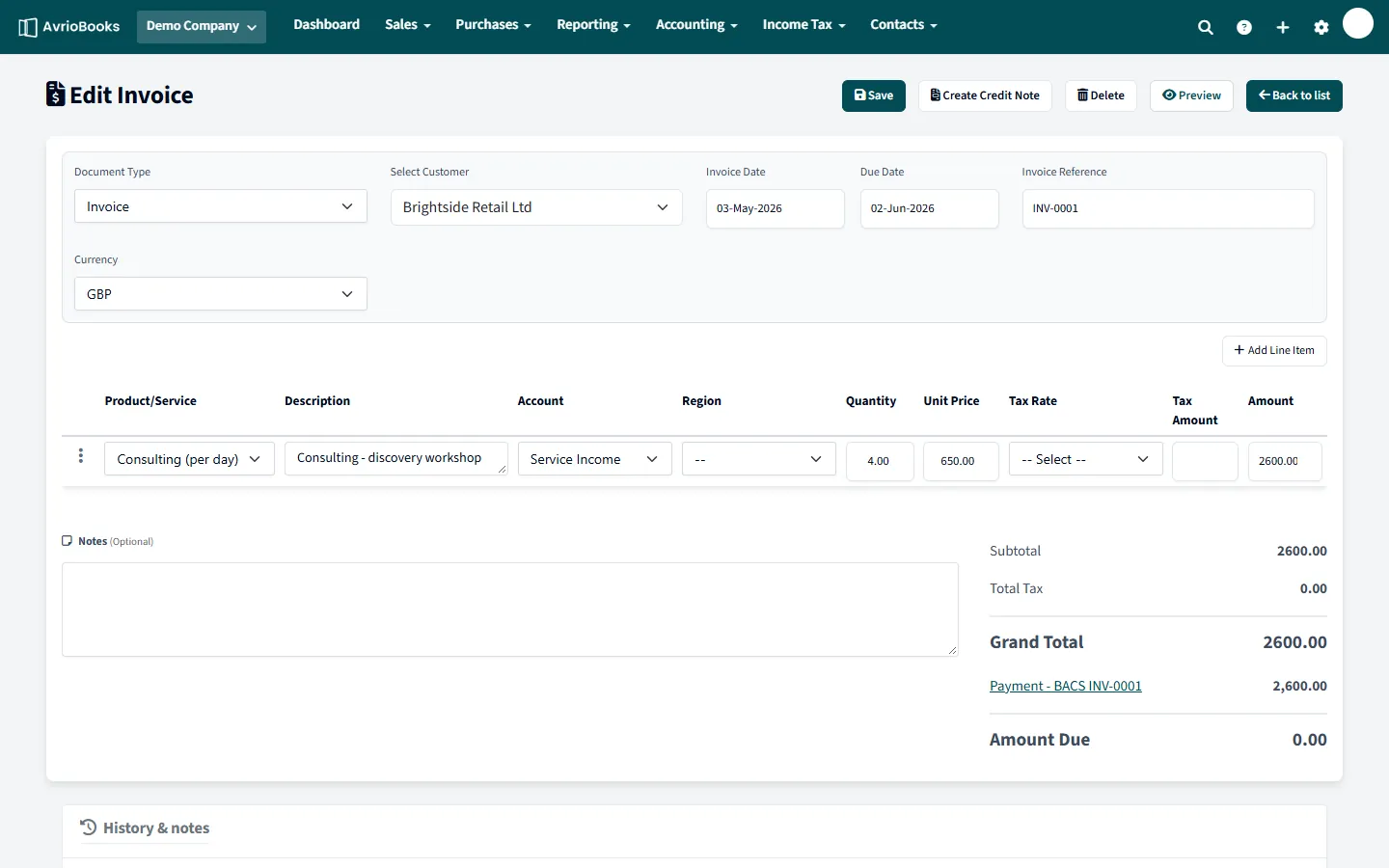
Create a credit note
- Open the invoice (or bill) you want to credit.
- Select More > Create credit note.
- AvrioBooks creates a new credit note with the next credit note number, dated today. It copies the contact, currency and all the line items from the original, and notes which document it is for.
- Edit the lines if you only want to credit part of the original, then Save.
What happens in your accounts
The credit note is posted to your ledger in the opposite direction to the original, so your receivables or payables and your tax figures are reduced. The credit note and the original are linked together.
Credit note or delete?
| Situation | Best choice |
|---|---|
| The invoice was created by mistake and nobody has seen it | Delete it |
| You sent the invoice and need to cancel or reduce it | Issue a credit note |
| A supplier sends you a credit for a bill | Create a credit note from the bill |
| The invoice amount is simply wrong and it has not been sent | Edit the invoice |
A worked example
You invoiced a customer 1,000 plus tax for ten items, and two arrive damaged. Open the invoice and choose More > Create credit note. The credit note copies the ten lines, so change the quantity to two and save. It is numbered automatically, starting at CN-001, dated today and linked to the original invoice. Your receivables and tax figures reduce by the credited amount.
Good practice
- Check the credit note date. It defaults to today, so make sure it falls after your lock date.
- Add a note explaining why the credit was issued.
- Credit notes for bills are created the same way, from the bill’s More menu.
Frequently asked questions
Can I credit only part of an invoice?
Yes. The credit note copies every line from the original, so edit the lines or quantities before saving.
Which documents can I issue a credit note for?
Invoices and bills, using More then Create credit note on the original.